
Change a user role
This guide will cover how to change a user's role in your workspace.
Note: Only users with the
AdminorLeadroles can change another user's role.
- Navigate to your workspace
- Click on the
View Memberslink in the top right corner of the page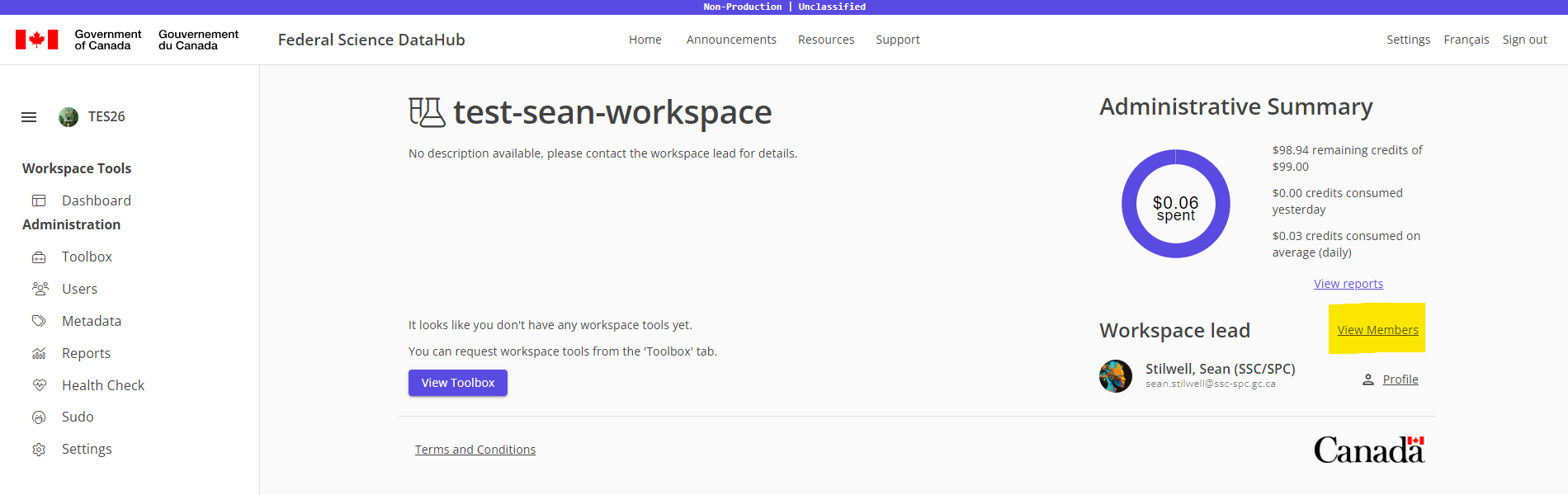
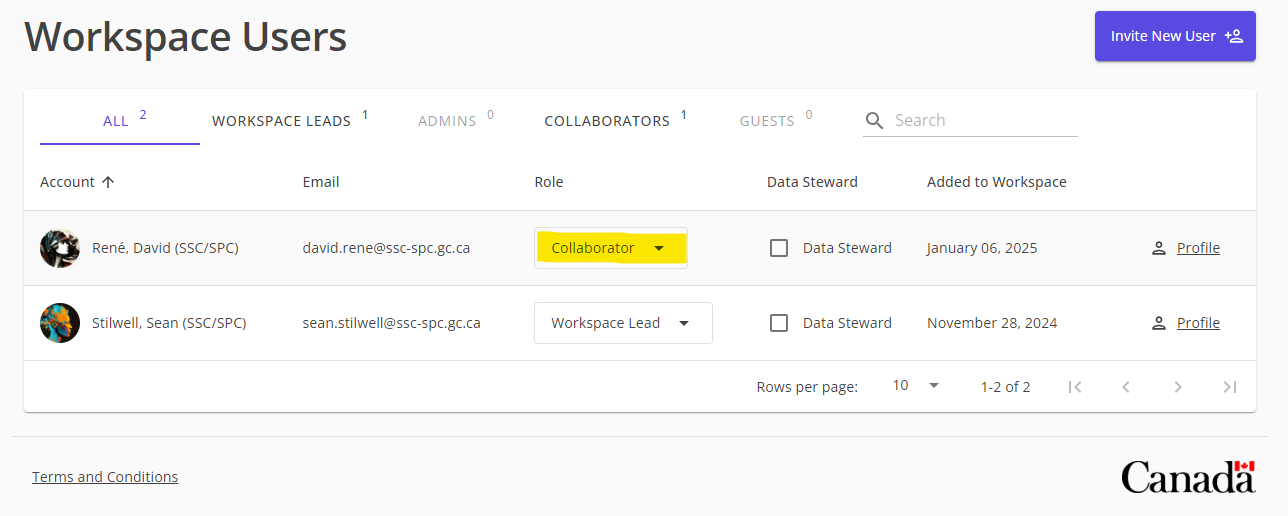
- Click on the dropdown role of the user whose role you want to change
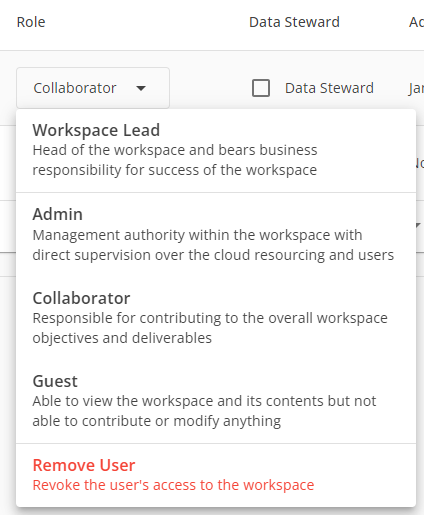
- Select the new role from the dropdown menu
- Click
Save Changesat the top of the page