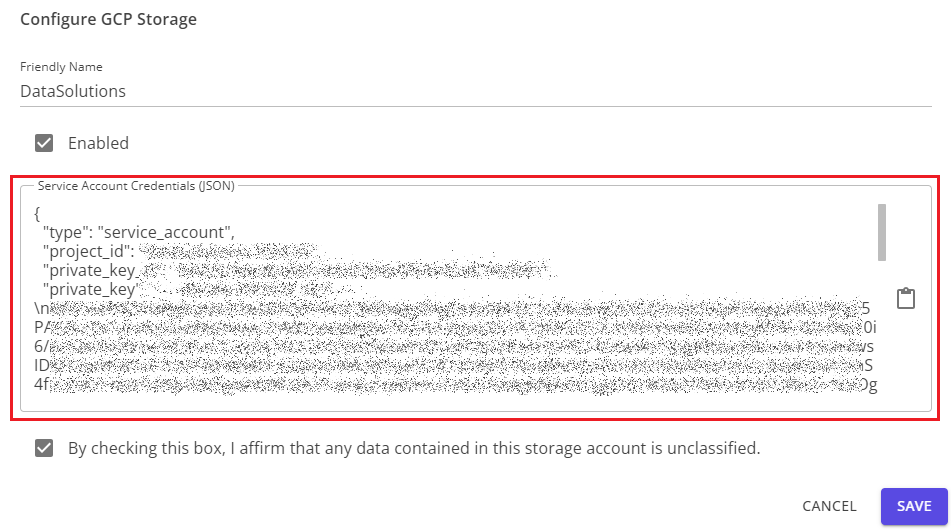
Import Google Cloud Platform Storage
To import a GCP storage account, you will need to create a service account with access to the storage and create a key pair for the account.
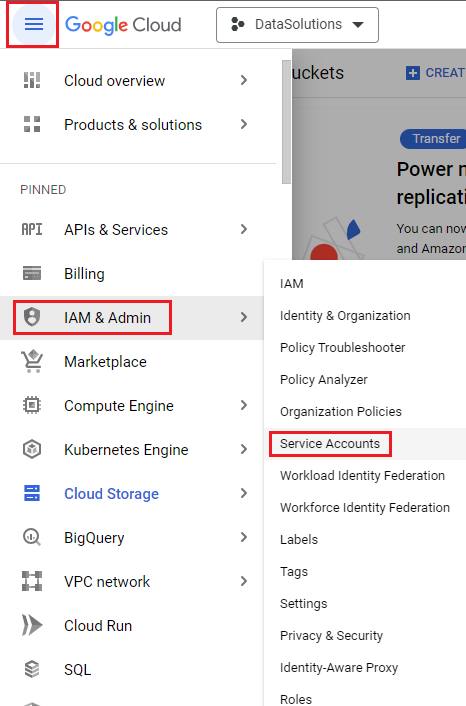
From the main Google Cloud menu, under the IAM & Admin section, navigate to Service Accounts.
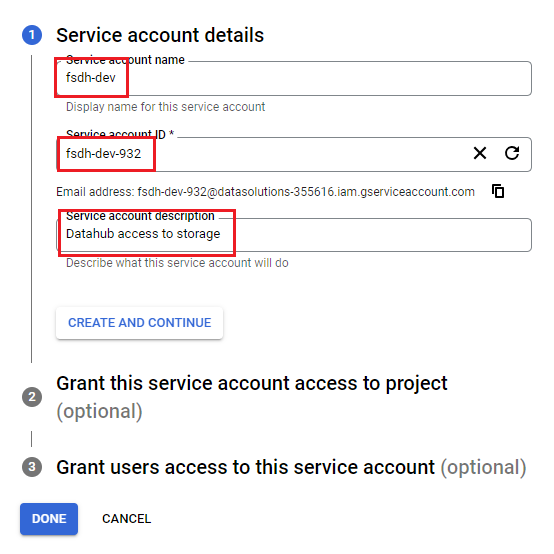
At the top of the screen, click Create Service Account and fill in the information for the account. The Service Account ID will be auto-generated by default, but you can re-generate it or manually enter your own desired value.

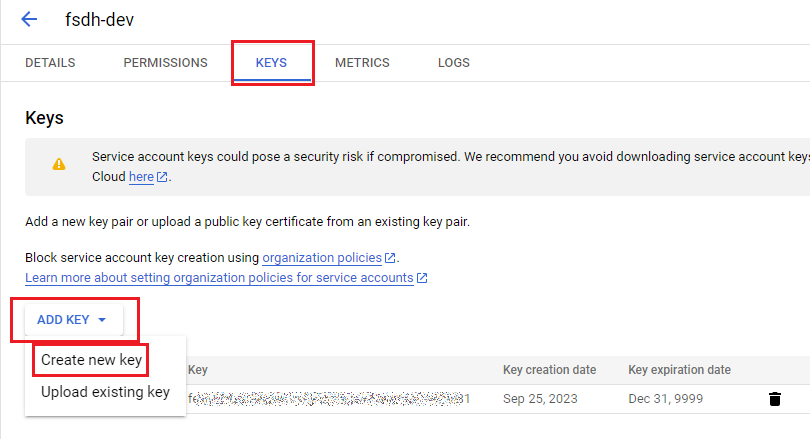
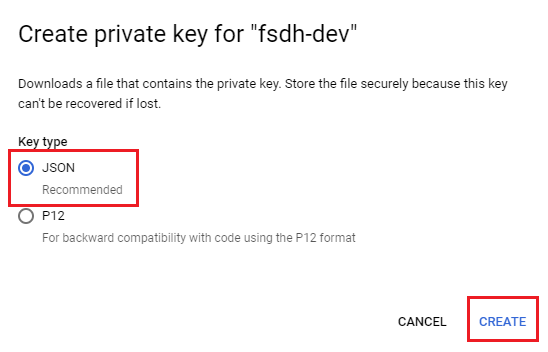
After creating the user, click on its username in the list, and navigate to the Keys tab. From here, click the Add Key button and select Create new key. At the prompt, make sure JSON is selected and click the Create button. This will create a .json file and download it to your computer.
To import the GCP account into Datahub, open the .json file in a text editor and paste the contents into the Service Account Credentials (JSON) text box in Datahub.